
LushKesim
The polymer clay cutter app,
opening in batches.
Draw your own cutters, stamps, debossers, stencils and rollers in your browser, at the thickness they will print. We are letting makers in a handful at a time so everyone gets looked after properly.
Guides built in, so you stop guessing where the holes go.
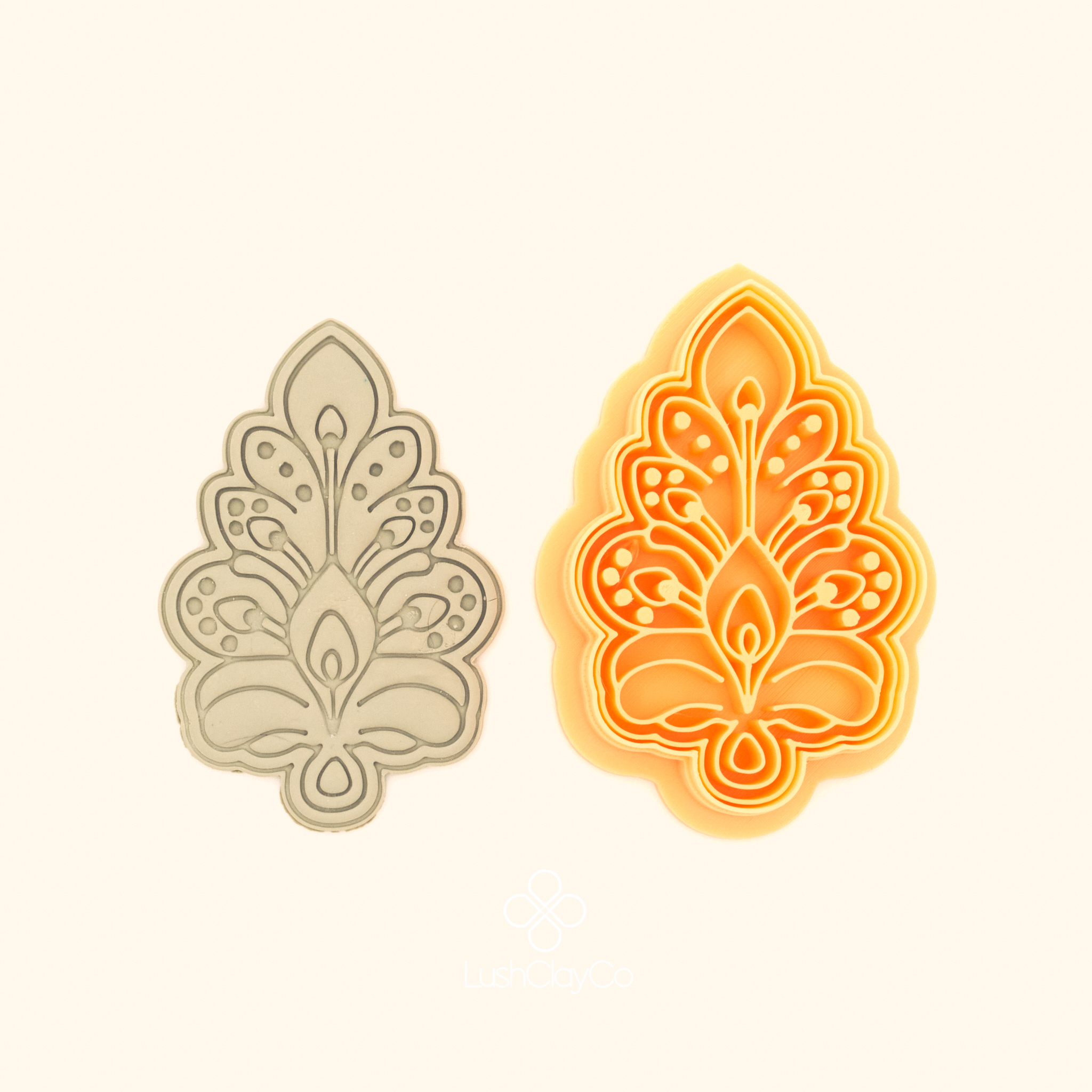

I design these on my couch, under a pile of rescue cats with a Yorkie wedged in somewhere. Every online tool I tried took my artwork, turned it straight into a 3D file and gave me no way to change a thing. Anything more meant drawing in one app and rebuilding it in CAD in another. So I made the one I wanted to use, right down to where the holes go.
Elvia
Founder, LushClayCo
Join the waitlist
Put your name down
You will get one email when your batch opens, with your invite link and a code. Nothing else. No newsletter, no drip, no selling your address on.
Never used a vector program? Good. If you have ever drawn anything in MS Paint, you already have the instincts. The difference here is that your lines stay editable, and what you draw comes out ready to print. Most people have a cutter in their hands the same evening.
See it work
The polymer clay cutter app, from blank canvas to print file.
More walkthroughs go up on the LushClayCo YouTube channel as each feature lands.

What you are waiting for
A real drawing surface
A true bezier pen, node by node editing, booleans, layers, and a sketch mode that behaves the way Fusion does. Every other polymer clay cutter app asks you to upload something you drew somewhere else. This one is the somewhere else.
Image import, fully editable
Bring in a drawing, a photo or an SVG and it becomes real vectors you can reshape node by node, not a traced blob you are stuck with. Tuned for artwork, not for logos.
Symmetry that stays live
Vertical, horizontal, quad and radial mirroring that keeps working while you draw. Move one node and the whole piece answers. No duplicate, flip, align, repeat, start again.
Five makes from one drawing
Cutter, stamp, debosser, stencil, roller. Draw it once and switch the make mode. You are not redrawing the same motif five times to get a matching set.
Findings already solved
Earring guides, jump ring holes at sizes that actually take the wire, and placement for posts and connectors. The fiddly measuring that ruins a good design is done for you.
A library you own
Everything you make is saved into your own library to reuse, remix and build a range from. Templates in the app are yours to pull apart and rework, and now and then I will drop a design in there as a gift.
Drawn at print thickness, checked before you print
You work at the wall thickness your printer needs, so no offset guesswork and no manual expand. When you are done, hit Print Check and it tells you what will fail, seams, walls, the lot, before you waste a spool finding out.
Nothing to install
It runs in your browser. Mac, Windows, tablet. Export the STL and send it straight to your slicer.
Why it opens in batches.
I am one person building this, and I would rather have fifty makers whose questions I can actually answer than five hundred I cannot. This is a first release, so I am going to lean on you. Tell me what breaks and I will fix it. Tell me what is missing and, if it is something I have not thought of, send the feature request. The people on this list are the ones who get to shape what this becomes.
Questions people ask
Do I need to know how to use design software?
No. Most people come to a polymer clay cutter app having never touched a vector program, so the drawing tools are built to be picked up in an afternoon. Start from a template, trace something you have already drawn on paper, or draw from scratch once you are comfortable. The tutorials walk through a first cutter end to end.
What do I need to make the cutters?
A 3D printer and a spool of filament. The app gives you a print ready STL at the wall thickness you set, so it goes straight into your slicer with nothing to repair or thicken first.
Can I try it without paying?
Yes. The free tier lets you draw as much as you like with no time limit, and take one cutter away as a demo export. It carries a small mark on the base and it prints and cuts exactly like any other.
Can I sell what I make?
Yes, on the commercial tier. You can sell the finished pieces you cut with your designs, and the design files you create. Full terms come with your invite so you know exactly where you stand before you pay for anything.
Will anyone see my designs?
No. Nothing is uploaded for approval and nobody here opens your files. Your next collection stays yours until you decide to show it.
When does my batch open?
Batches go out in the order people joined, and the size of each one depends on how the last group went. Put your name down now and you keep your place in the queue for the polymer clay cutter app.
Already a member?
Your account, downloads and release notes are all in one place.
Joining the list is not a purchase and does not hold a price. Batch sizes and dates depend on how the testing goes. You can leave the list from any email we send. LushKesim is part of LushClayCo.